
Appearance
Network Tools
Purpose
Use graphical tools to check host reachability, ports, DNS, TCP connection speed, and HTTP responses.
Entry
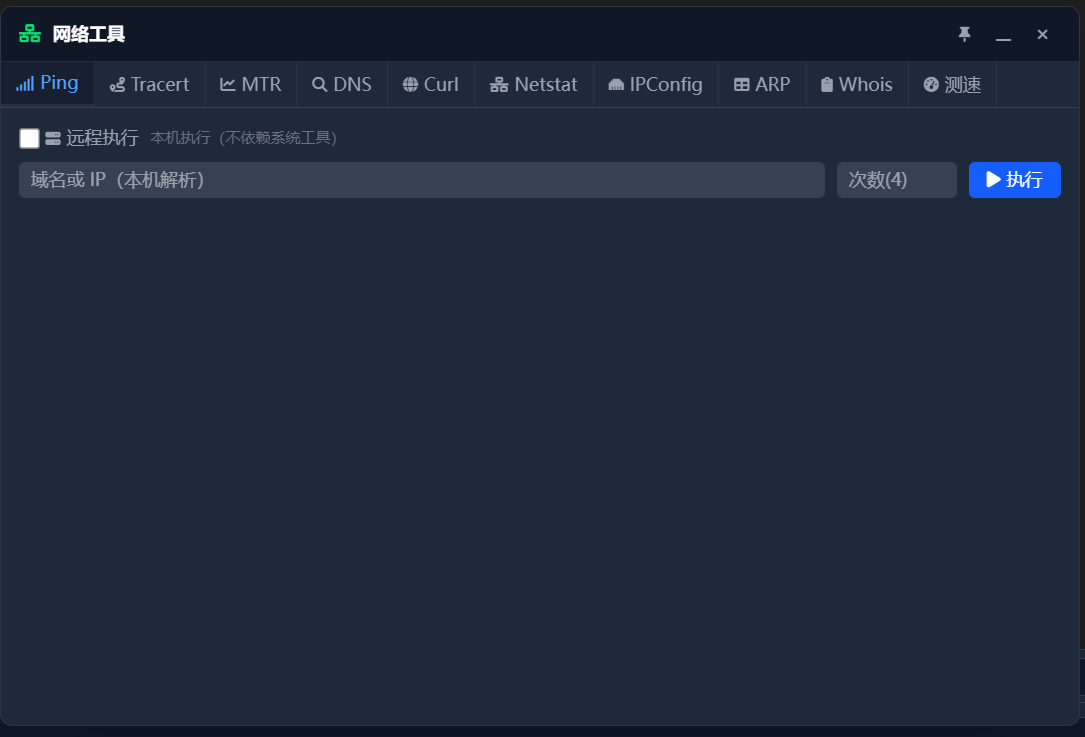
Click the tools icon in the sidebar or search Network Tools in the command palette.
Steps
- Ping: enter a target and review latency and packet loss.
- Port scan: enter a host and port range to see which ports respond.
- DNS query: enter a domain and record type to view the response.
- TCP speed test: prepare the test endpoint as prompted and review upload and download speed. The test does not automatically use an SSH proxy or jump host.
- HTTP check: enter an HTTP/HTTPS address to inspect status and headers. It is not a file downloader.
Know Before You Use It
Results depend on local networking, target firewalls, DNS settings, and remote permissions. TCP test reachability can differ from SSH reachability; HTTP checks inspect responses and should not be used to retrieve complete files.
Failure Handling and Safety
Check the target, port, network policy, and test endpoint before retrying. Scan only hosts you are authorized to inspect, and do not share URLs containing credentials or private parameters.